One of the toughest questions for freelancers is: "What should I charge?" Set your rate too high, and you might lose clients. Set it too low, and you risk burnout and financial stress. In this guide, I'll show you how to calculate a rate that covers your costs, reflects your value, and keeps you competitive.
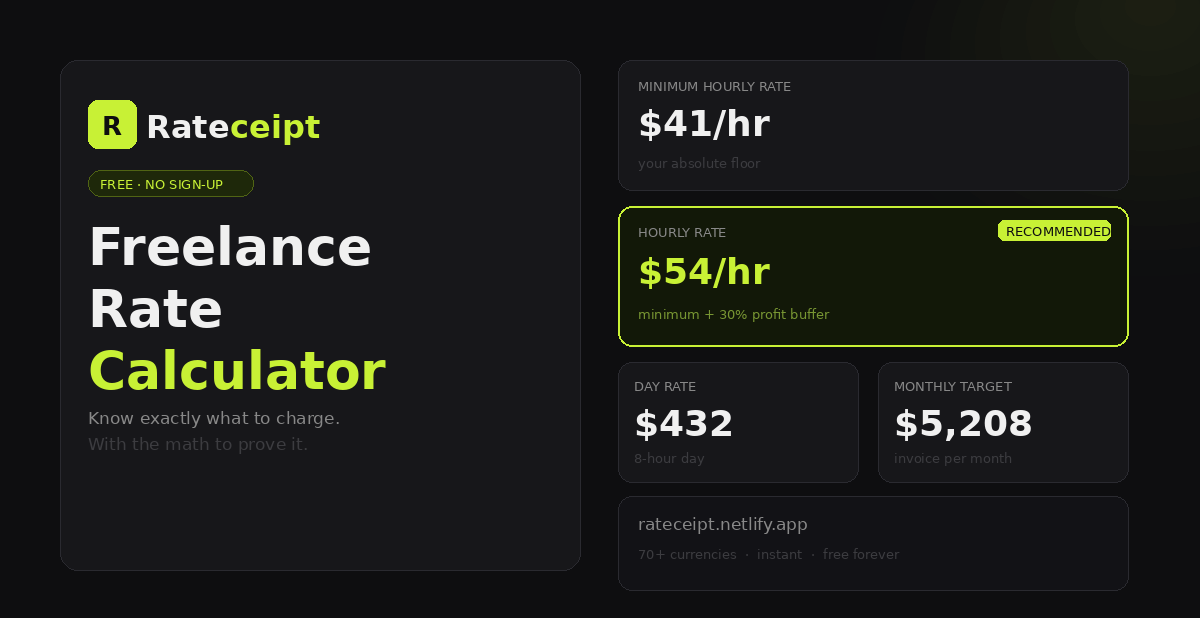
Step 1 – Know Your Baseline Costs
Before setting a rate, you need to know your minimum financial requirements. Calculate your annual business and personal costs:
- Personal expenses – rent/mortgage, utilities, food, insurance, transportation, health care, savings.
- Business expenses – software subscriptions, equipment, marketing, accounting, professional development.
- Taxes – estimate your effective tax rate (e.g., 25–35% depending on your country and income level).
- Profit margin – add a buffer for reinvestment and unexpected costs.
Step 2 – Calculate Your Hourly Rate
The most common method is the **"Income Goal / Billable Hours"** formula:
Hourly Rate = (Annual Expenses + Taxes + Profit) / Annual Billable Hours
Example:
- Annual expenses + taxes + profit: $60,000
- Billable hours per year: 1,200 (e.g., 30 hours/week × 40 weeks)
- Hourly rate = $60,000 / 1,200 = $50/hour
Remember to include non‑billable hours (administration, marketing, training) in your working hours calculation.
Step 3 – Adjust for Market and Value
Your calculated rate is your minimum. Research what other freelancers with your skills and experience charge in your niche. Consider:
- Your unique value proposition – do you offer specialised expertise?
- Client budget – some industries pay higher rates (e.g., SaaS, finance, healthcare).
- Location – rates vary by region, but with remote work, you can charge based on value, not location.
- Experience level – beginners may charge less; experts can command premium rates.
Step 4 – Convert to Project‑Based Pricing
Many freelancers prefer project‑based pricing because it aligns with client expectations and can be more profitable. To estimate a project price:
- Estimate the number of hours the project will take.
- Multiply by your target hourly rate.
- Add a buffer for scope creep (e.g., +20%).
- Compare with market rates for similar projects.
Example:
A website redesign may take 40 hours. At $50/hour, the base price is $2,000. With a 20% buffer, quote **$2,400**.
Step 5 – Use a Rate Calculator Template
To simplify the process, you can use a Google Sheets or Excel template. I've created a simple rate calculator that you can copy:
👉 Copy the Freelance Rate Calculator → (replace with your actual link)
Step 6 – Test and Adjust
Your rate is not set in stone. Start with a rate that feels comfortable, then:
- Track your profitability after a few projects.
- Raise your rate periodically (e.g., 10% every 12–18 months).
- Listen to client feedback – if clients consistently accept your rate without negotiation, you may be underpricing.
Quick Comparison: Hourly vs Project‑Based
| Aspect | Hourly | Project‑Based |
|---|---|---|
| Predictability | Low – income varies with hours | High – fixed price |
| Client perception | Clients may focus on hours, not value | Clients see value in the outcome |
| Scalability | Limited by your time | Can scale with better processes |
| Risk | Low – paid for actual time | Risk of underestimation |
| Best for | Ongoing support, maintenance, unclear scope | Well‑defined projects (e.g., branding, web development, content creation) |
Tools to Help You Calculate
- FreshBooks Rate Calculator – free online tool to estimate your hourly rate.
- Bonsai Freelance Rate Calculator – simple and quick.
- Google Sheets – use a custom template (link above).
Conclusion – Charge What You're Worth
Calculating your freelance rate is a combination of math, market research, and confidence. Start with the numbers, then trust your value. Remember, you can always adjust as you gain more experience and data.
Get started with the rate calculator: Copy the template →